

See your team on the move
On your phone, view shift and alarm status and available real-time location to help navigate to a worker.
Lone worker safety
Workers check in through the app. If a check-in is missed or a safety alarm is raised, a Be Safe Operator follows up. Human monitoring is included, 24 hours a day.
Setup, training and support included. No setup fees.
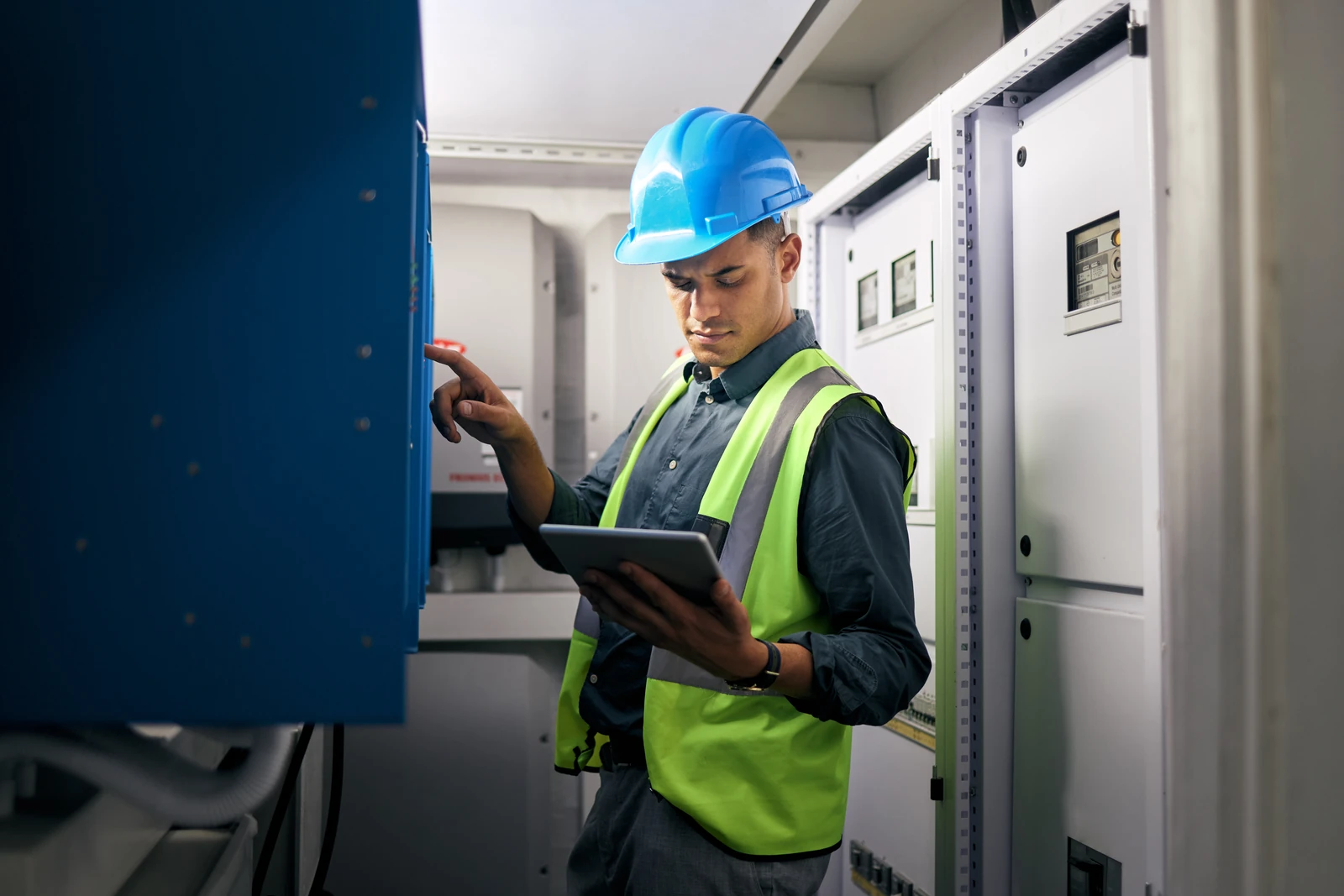
For the worker
Agree on a check-in interval for the work. Workers can adjust it during the shift as risks change.
Start the shift in the app with a check-in interval suited to the work.
Check in during the shift. Adjust the interval as risks change.
End the shift in the app when your work is finished.
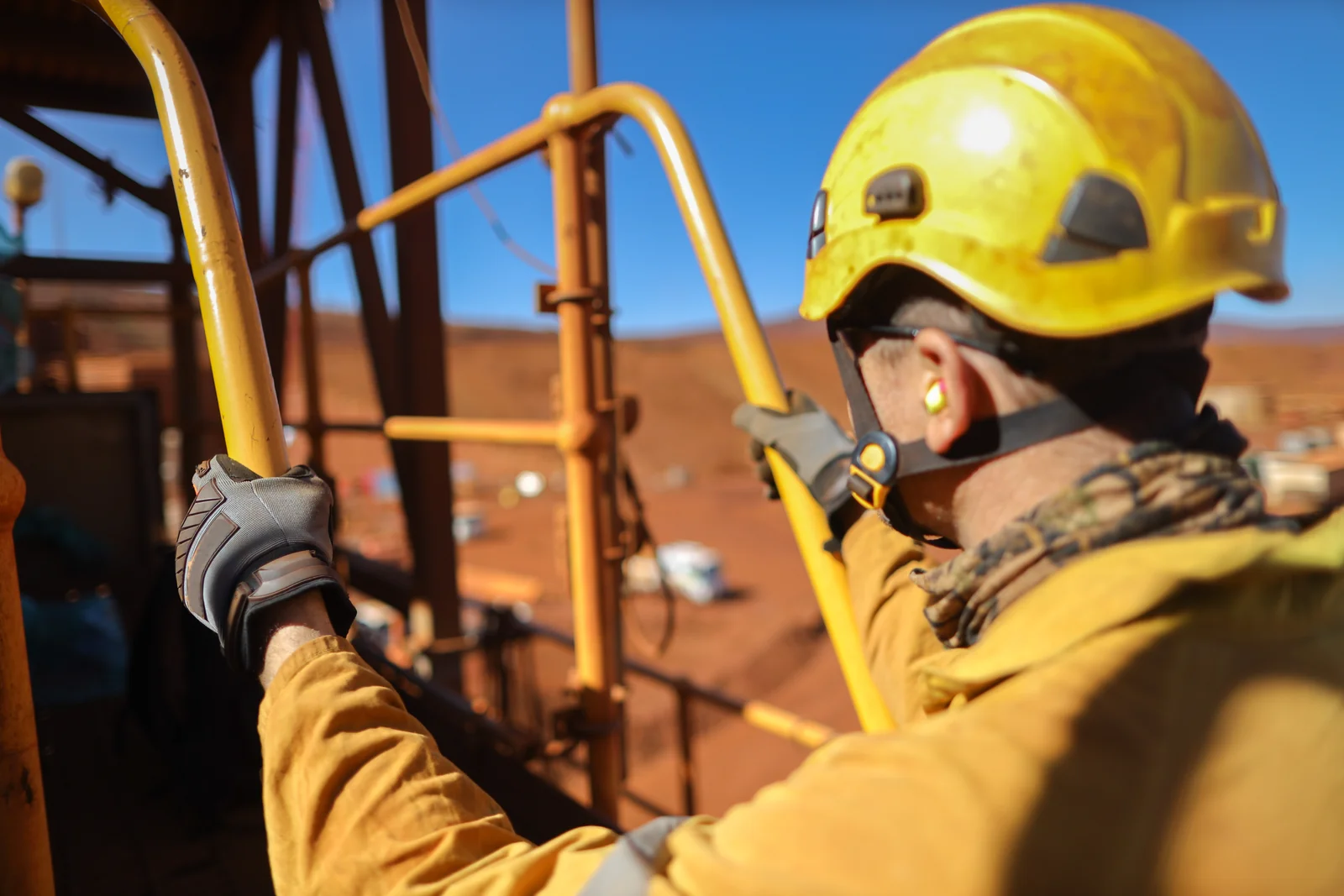
24/7 human monitoring
Be Safe Operators work with your Emergency Contacts using the response instructions your organization provides.
After a missed check-in or supported safety alarm, a Be Safe Operator calls and messages the worker. The available communication depends on the equipment and service.
When escalation is needed, the Operator contacts your Emergency Contact and can continue coordinating by phone. The Operator records actions in the Be Safe Activity Log and can contact emergency services when needed.
Be Safe supports your work-alone program. Communication, emergency dispatch and rescue are not guaranteed.
For the supervisor
See who is working and who needs attention, keep Emergency Contacts current and review the record after a shift.
Location updates depend on the device, connection and permissions. The last available location may not be the worker's current position.
Explore worker and supervisor toolsOn your phone, view shift and alarm status and available real-time location to help navigate to a worker.
Maintain primary and secondary Emergency Contacts in each worker's ERP Group.
Use available shift reports and the map archive to review the working day. Be Safe Operators record response actions and outcomes in the Be Safe Activity Log.
Explore low-bandwidth app support on compatible satellite-connected phones, linked communicators and the RKI GX-3R Pro gas detector integration. Ask which devices, services and actions fit your work.
Fit Be Safe to the work
Different jobs call for different plans. Start with the places your people work and the support they need.
Customer experience











These comments were collected through Be Safe's customer survey, which offered entry into a gift-card draw for submitting a testimonial. Used with permission.
Ability to see all users from the phone app, monthly user friendly reports, user friendly app, non-intrusive check ins and customisation for check in times. Cost effective use for small and large organisations.
Be Safe has streamlined our worker monitoring process, reducing manual check-ins and administrative time while improving overall safety. The system’s automated alerts and simple interface have increased team buy-in and made emergency response faster and more reliable.
The Be Safe program made my role much easier by reducing the amount of office management I had to oversee. Their team took care of all the check-ins, which freed up my time and gave me peace of mind. I especially appreciated that I was immediately alerted if there were any issues, so I could step in only when necessary.
See Be Safe in practice
See the worker app, monitoring process and supervisor records. Tell us about your team, work locations and equipment.